

Create order via API with no coding
Place a test order through the Partner API from an HTTP client, without writing code, to learn the order integration flow end to end.
You will learn how to create order via API without writing code. This can help you to get familiar to develop order integration with our systems.
Prerequisite
Recipe
Setup in eStore: configure default billing address.
Enter core informations in HTTPie:
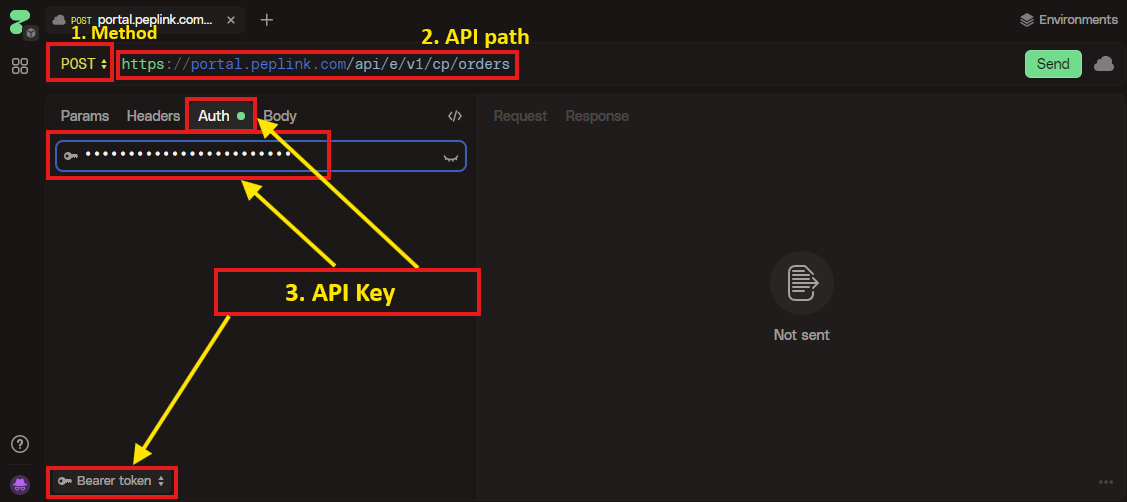
- Method: Select
POST - Enter API path
https://portal.peplink.com/api/e/v1/cp/orders - Under Auth tab, enter API key (obtained in the above step). Make sure Bearer token is selected at the bottom dropdown.
- Enter order details under the tab Body:
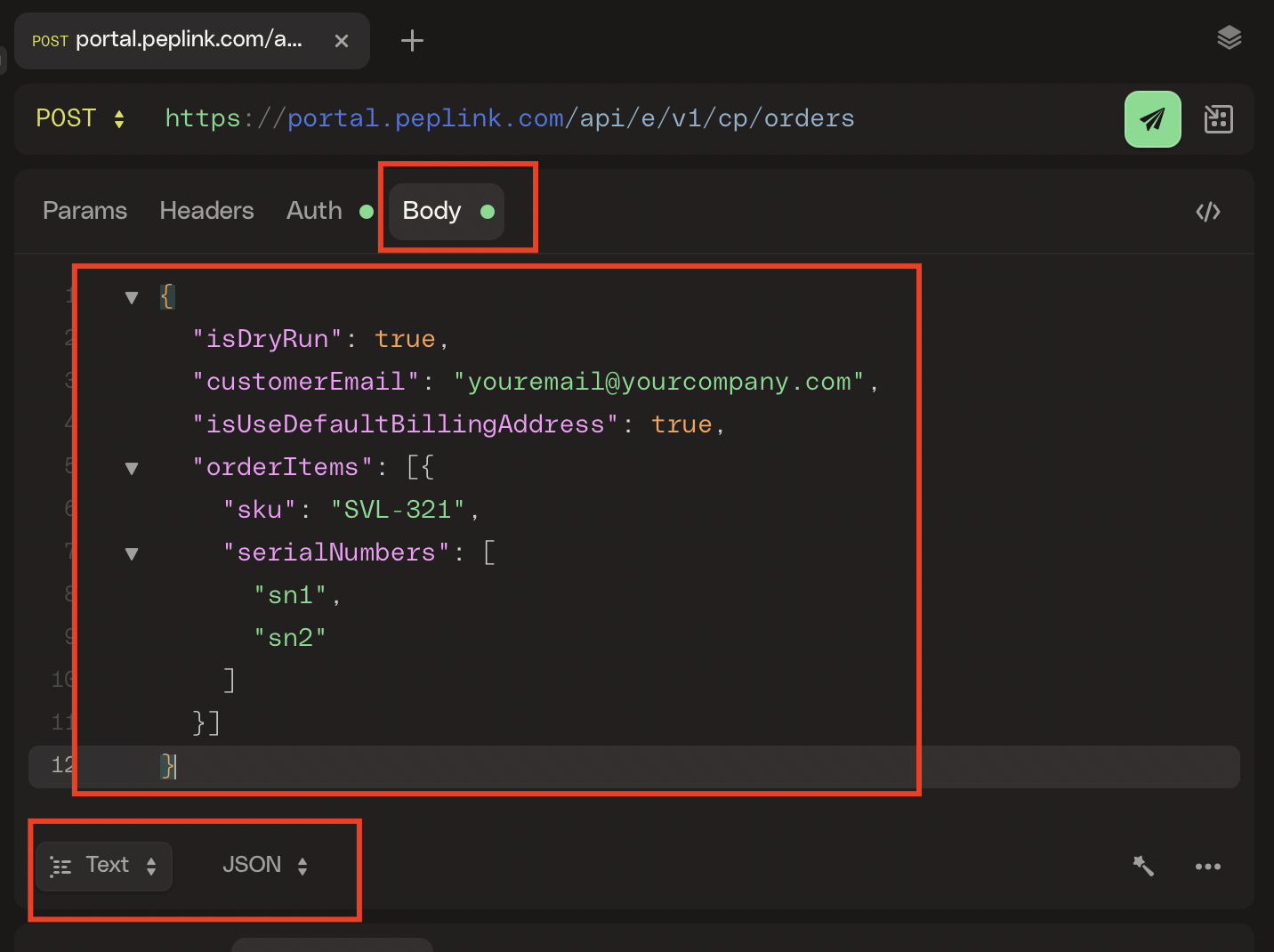
- Make sure Text and JSON are selected at the bottom.
- Paste this json:
Please modify customerEmail to your email.
{
  "isDryRun": true,
  "customerEmail": "[email protected]",
  "isUseDefaultBillingAddress": true,
  "orderItems": [{
    "sku": "SFC-CN-A",
    "generateNewEsim": true,
    "quantity": 2
  }]
}
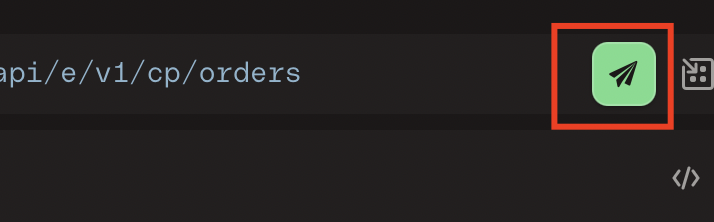
Click submit to create order.
Receive success (green) response: the API is executed successfully.
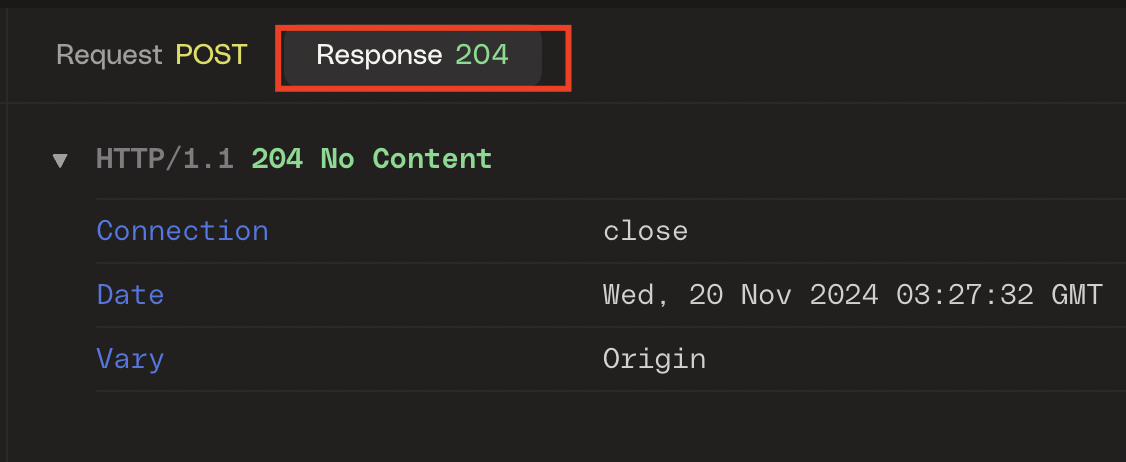
No order is created
As we have "isDryRun": true, in the above json, the API will just validate the inputs and do not create order.
If you remove "isDryRun": true, from the json and submit again, the API will create an order and new order number will appear in the response body.
Test follow-up actions with dry run
If you need to test follow-up actions after order is created, set dryRunReturnNewOrderNumber in addition of isDryRun=true:
-
Create order with
isDryRun=trueanddryRunReturnNewOrderNumber, e.g.{ "isDryRun": true, "dryRunReturnNewOrderNumber": "your_order_number", ... // other parameters for create order request }You will receive
newOrderNumberin the response if the request is valid. -
Call
GET /orders/{orderNumber}until the order is ready for follow-up -
Update PO informations for the new order via
POST: /orders/{orderNumber}/customer-po-numberPOST /orders/{orderNumber}/customer-po-files
Then you will receive newOrderNumber in the response if the request is valid.
What value should I set for dryRunReturnNewOrderNumber?
Find an old and completed order from your orders and it should be good.
References
After going through the above recepie, you should have the sense on what is needed to order with API. Please check for more details from these references:
- Basic information for API integration: learn API URL prefix, common date types, etc.
- Create order API reference: learn all details of request and response with different examples