

Account Statement
Your balances and credit terms, with the invoices, credit memos and deposits behind them.
Enabled for selected partners
Available only to partners with this section enabled on their account.
Account Statement shows where your account stands with us: your balances and credit terms, and the invoices, credit memos and deposits behind them.
Read the summary
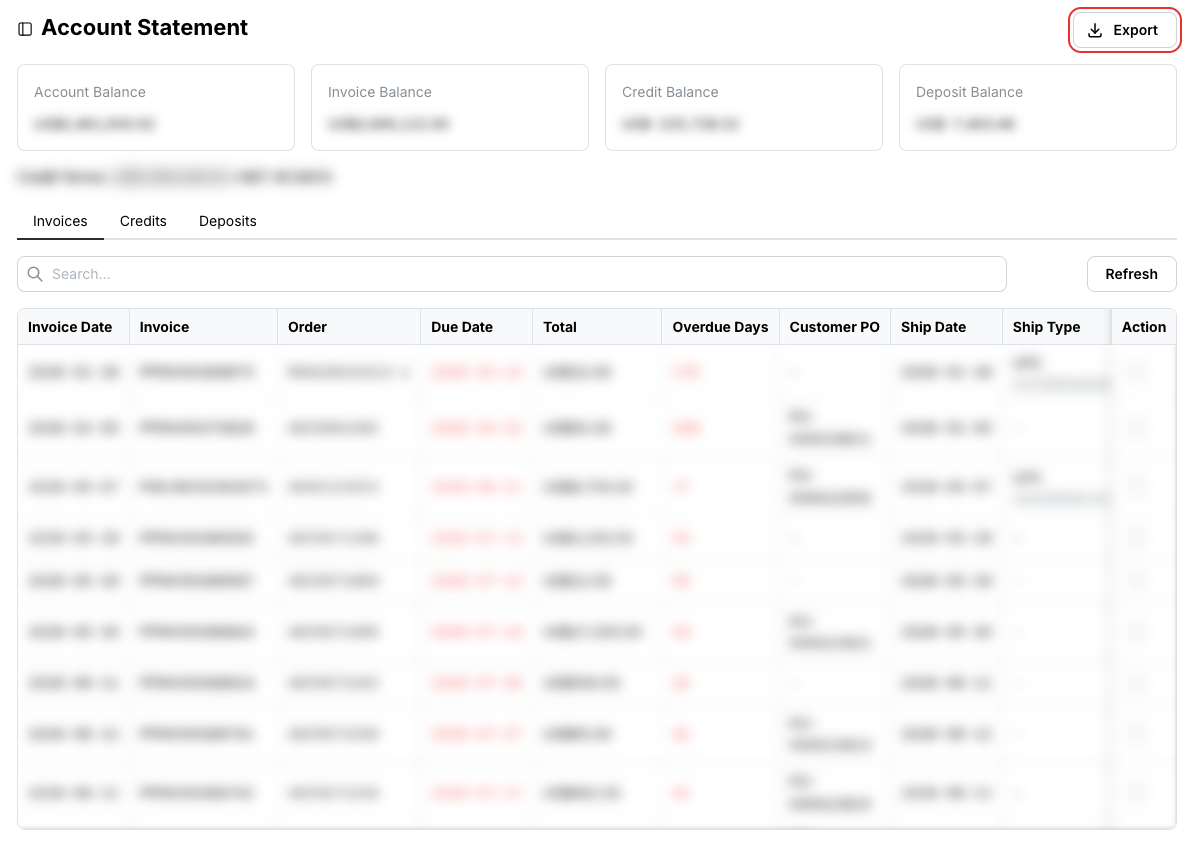
The four cards at the top show your Account Balance (net outstanding across everything), Invoice Balance (unpaid invoices), Credit Balance (credit memos available) and Deposit Balance (deposits held). Your Credit Terms are shown underneath.
Invoices, credits and deposits
The Invoices tab lists outstanding invoices with due date, overdue days, customer PO and shipping. Click the details icon in the Action column to open an invoice, then the download button in its header to save it as a PDF named after the invoice number.
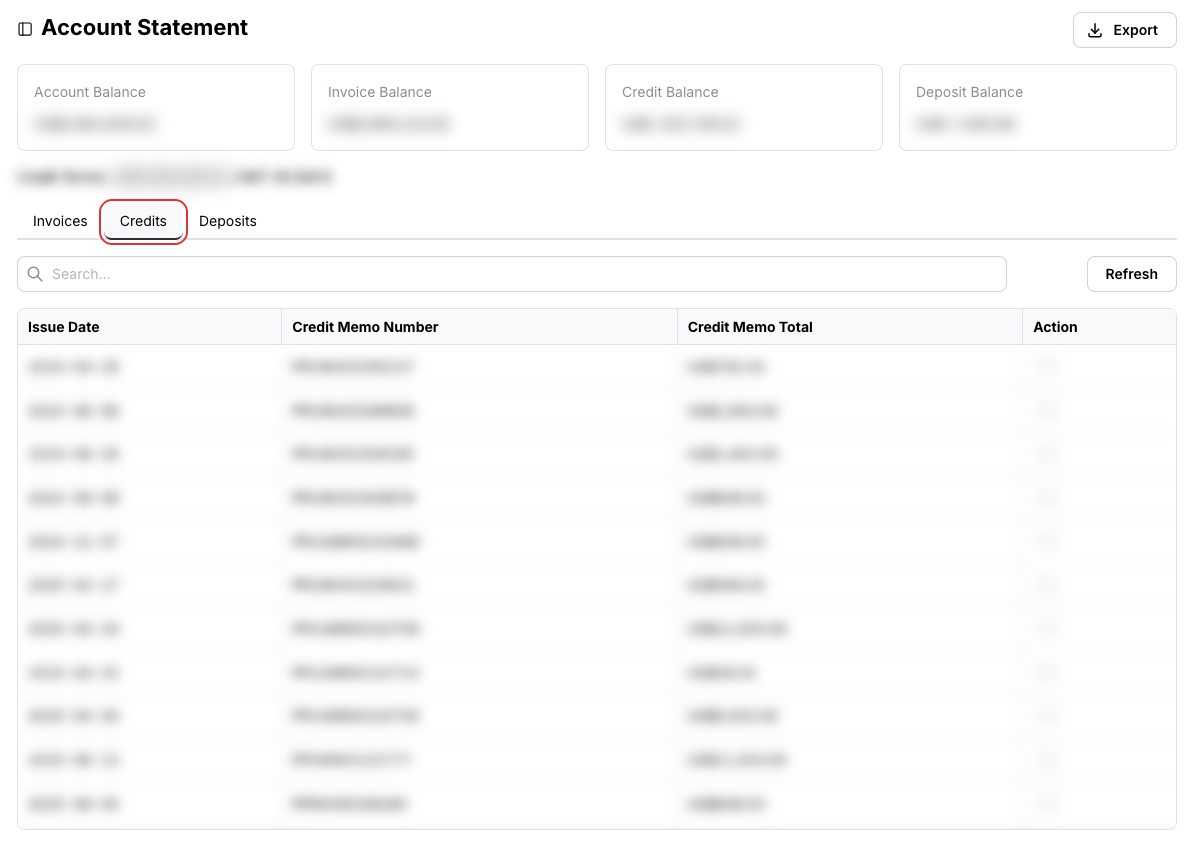
The Credits tab lists credit memos and their amounts. Open one for its details and a printable copy.
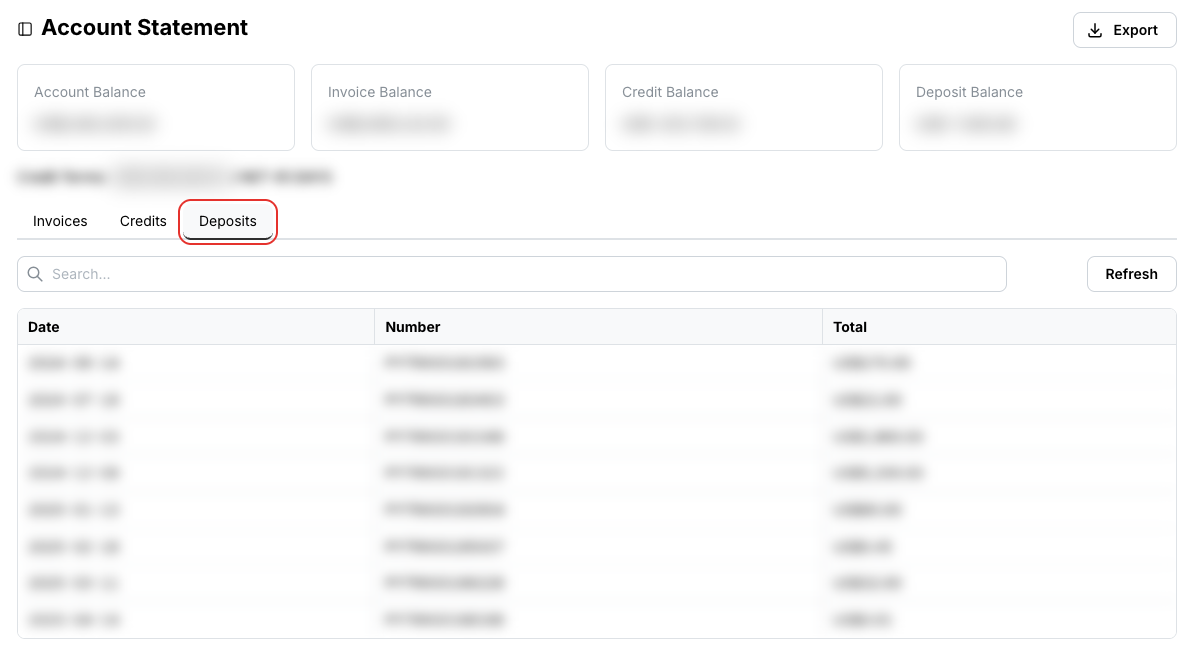
The Deposits tab lists deposits held on your account.
Export at the top right downloads the current tab as a CSV file.
Related
- Order History — the orders these invoices belong to