

Lookup Devices
Look up any serial number for product, care plan, subscriptions and identifiers.
Lookup Devices answers "what is this device?" for any serial number — yours or not — with the product, care plan, subscriptions and identifiers your sales and support people need.
Where to find it
In the left menu under Support, or press Ctrl + K and type “Lookup Devices”.
Look up serial numbers
Enter one or more serial numbers, separated by commas or new lines — up to 1,000 at a time.
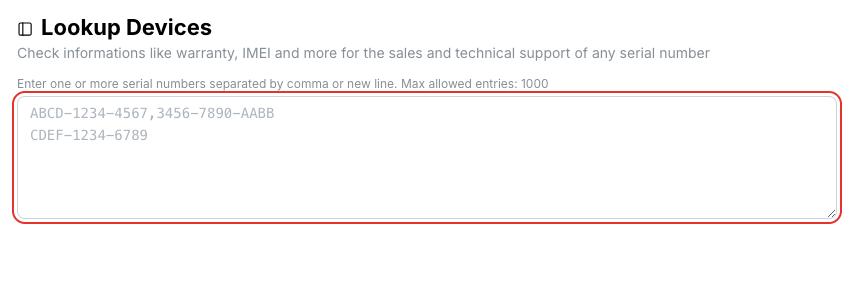
Each serial number is looked up as you type. A result card shows the product and SKU, care type and expiration, InControl subscription expiry, whether it supports Prime, SFC SIM and FusionSIM, whether it is under RMA or an NFR unit, its hardware revision, LAN MAC, InControl registration and IMEI records.
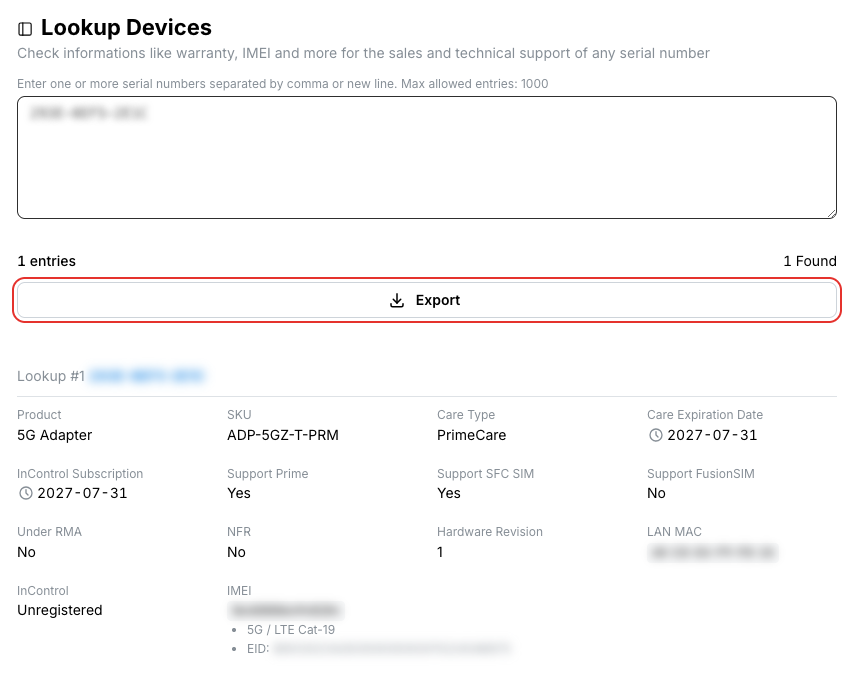
Click Export to download the results as a CSV file.
Related
- Device Management — the same information for devices you own, with filters and export
- API: Lookup devices