

Product Check
Find product names and SKUs, and the products and partner pricing on your eStore account.
Product Check is the product catalogue: every product name and SKU for reference, and the products, partner pricing and specifications available on your own eStore account.
Reference and eStore
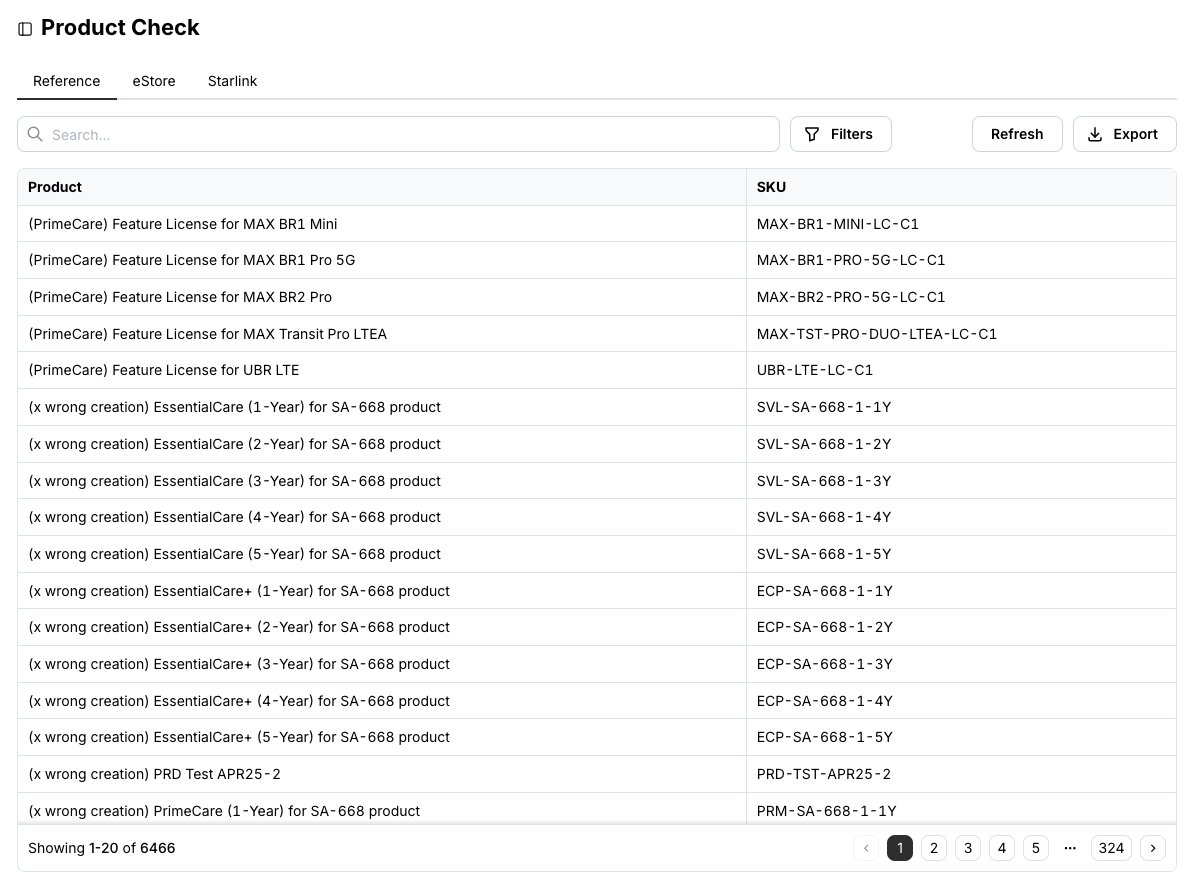
The Reference tab lists all current product names and SKUs, excluding legacy products. Use it to find the right SKU for a quote or an order.
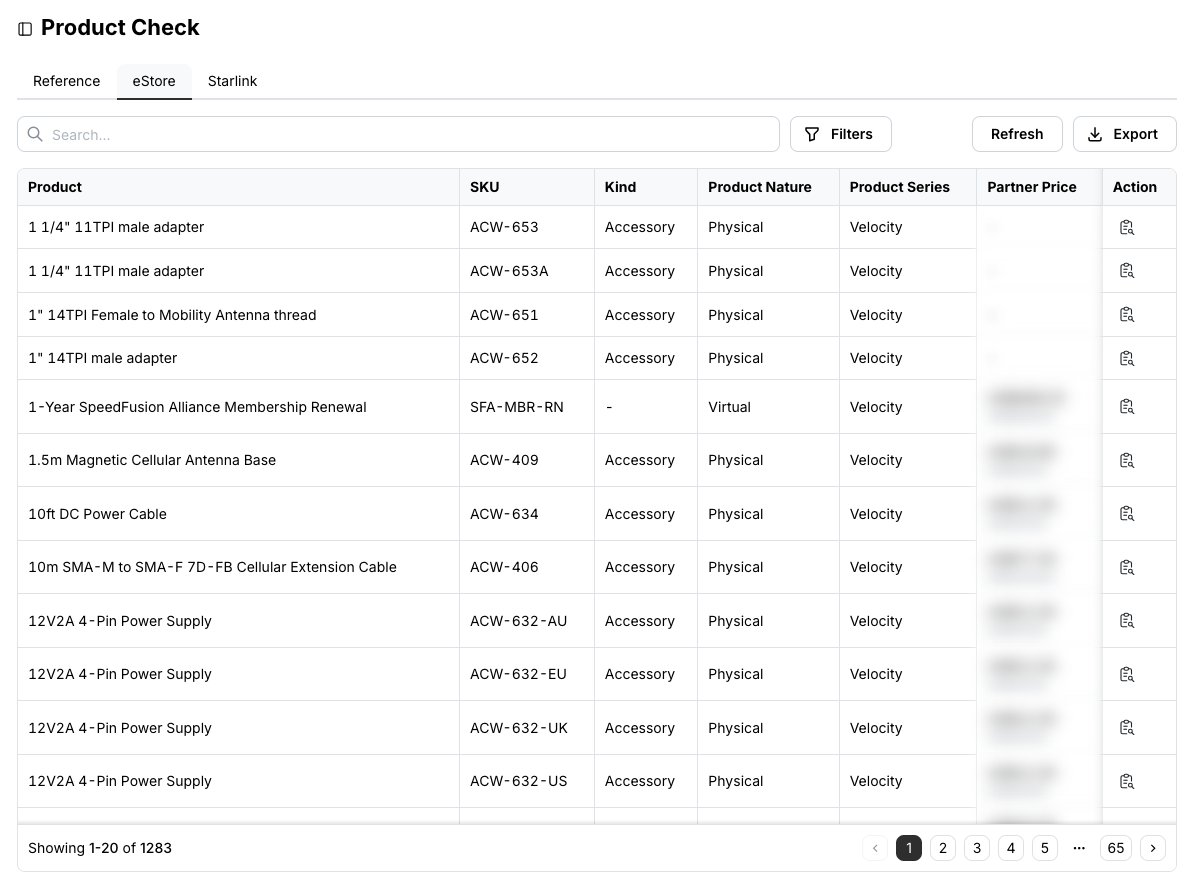
The eStore tab lists the products available on your eStore account with their kind, nature, series and your Partner Price next to the MSRP.
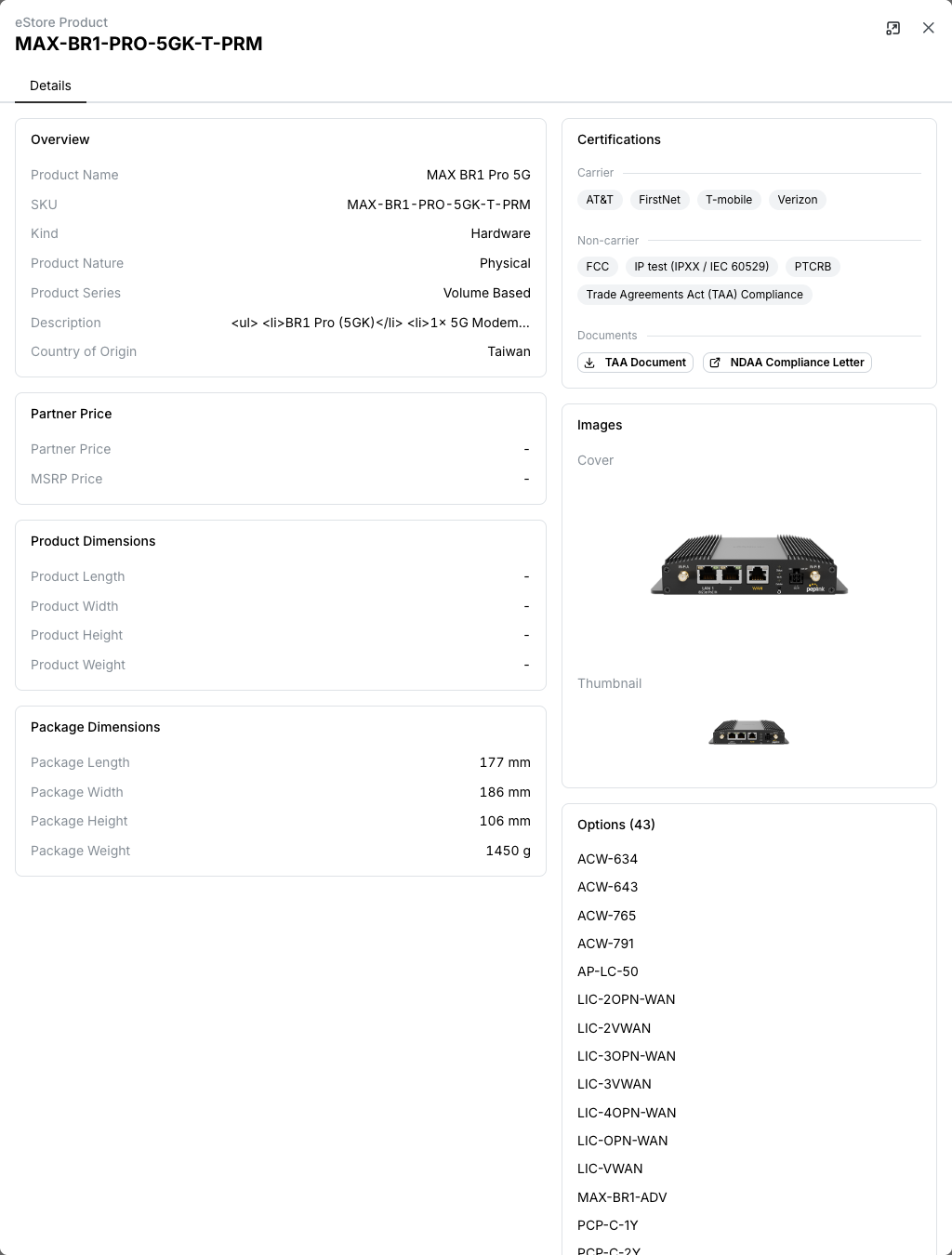
Click the details icon in the Action column of a SKU for its description, pricing, product and package dimensions and weight, images, certification documents such as NDAA compliance letters, and the options available for it.
Search and Filters work within the current tab. Export downloads the search result as a CSV file, or the whole tab when nothing is searched or filtered.
Starlink tab
Starlink ASP accounts also see a Starlink tab listing Starlink products, service line types and data volumes by country.
Related
- Inventory Check in the portal — stock availability, for accounts that have it enabled
- API: Search products