

Ownership Assignment
Pass devices to a reseller or another partner so they can register the sale.
Ownership Assignment hands devices you bought to the partner who will sell them on. Only you and the assigned partner can then see the device, and the assigned partner can register the sale to the end customer.
Assign devices
Enter the serial numbers, separated by commas or new lines. Up to 500 serial numbers can be assigned in one run.
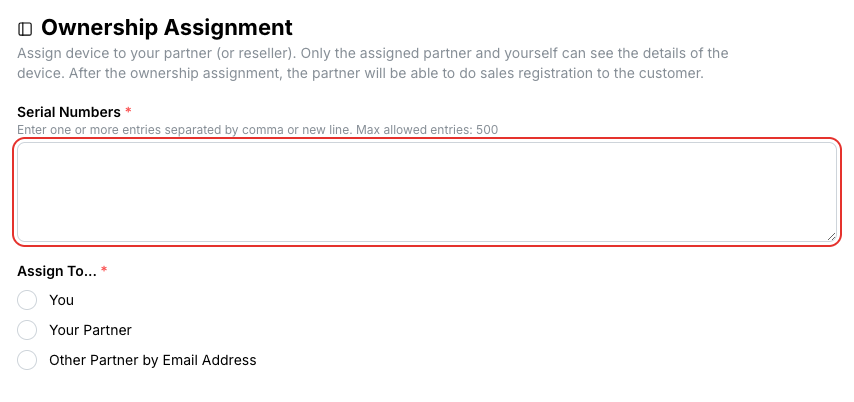
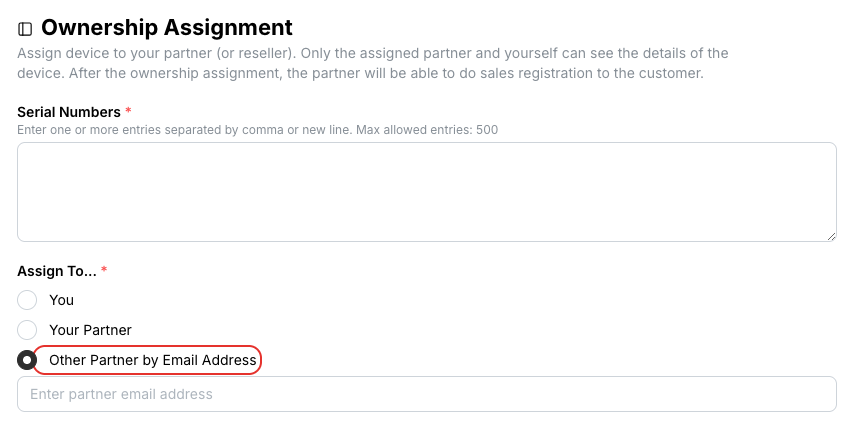
Under Assign To, choose You, Your Partner (pick the reseller), or Other Partner by Email Address and enter the email address of the receiving partner account.
The portal checks every serial number and lists it with its product, current owner and a Ready status. Serial numbers that cannot be assigned show the reason instead.
Click Assign Ownership. Each row changes to Done when its assignment has gone through.
Assignment cannot be undone from the portal
Once a device is assigned, only the new owner can pass it on. Check the receiving email address before you click Assign Ownership.
Related
- Device Management — see who currently owns a device
- Sales Registration — what the receiving partner does next