

eSIMs & Physical SIMs
See the SIMs you have ordered, their data balance and expiry, and activate eSIMs.
This section lists the eSIMs and physical SIMs you have ordered, with the data left on each and when it expires, and gives you the activation code for an eSIM.
Where to find it
In the left menu under SIM, or press Ctrl + K and type “eSIMs & Physical SIMs”.
Find a SIM
Each row shows the order date and ID, the ICCID, the SIM type, its data region (Global, or NA & EU), the data balance and the data expiration date.
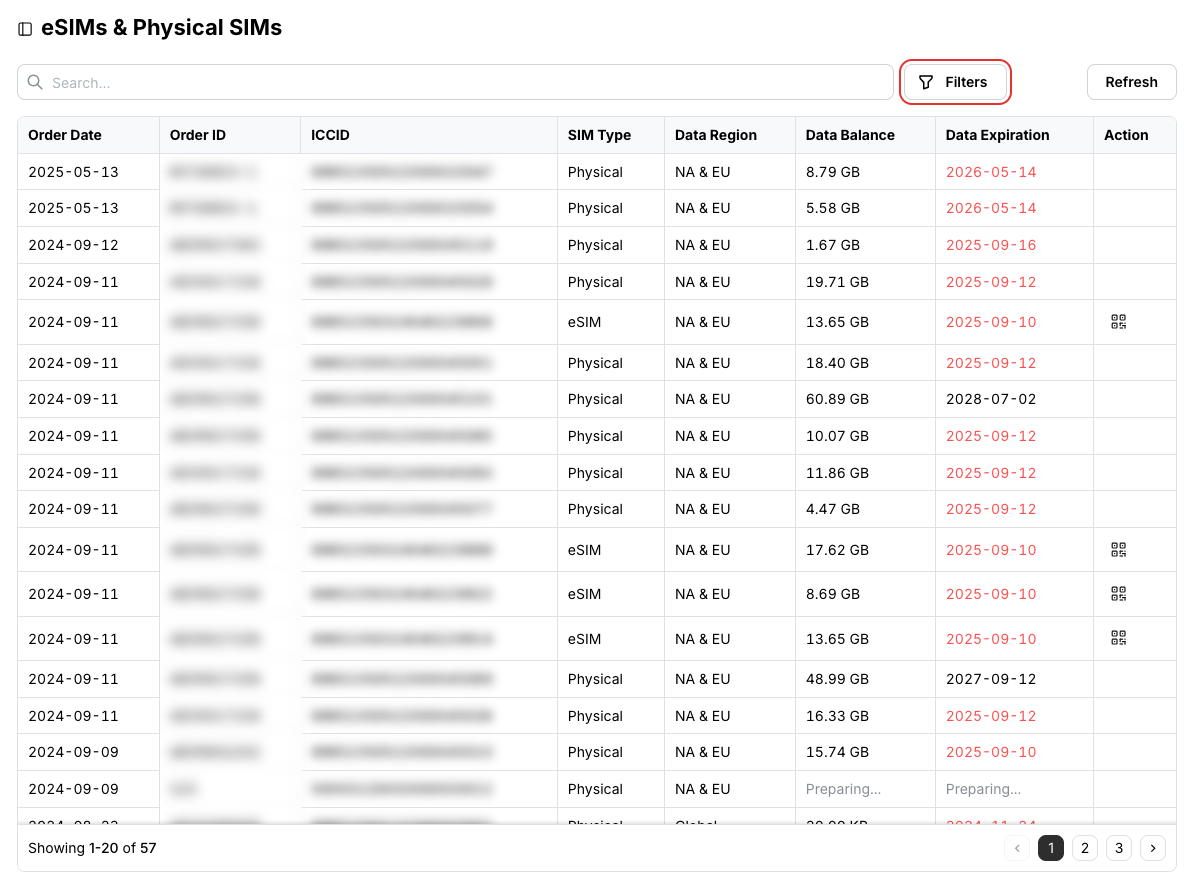
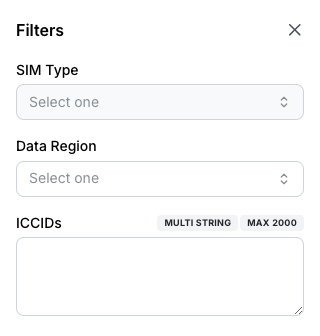
Search by ICCID or order ID, or click Filters to narrow by SIM Type, Data Region or a list of ICCIDs.
Activate an eSIM
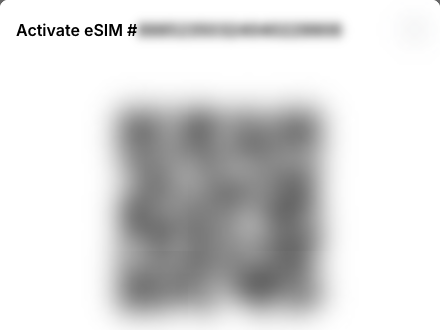
Find the eSIM and click the activation code icon in its Action column. Physical SIMs have no activation code.
Scan the QR code with the device that will use the eSIM.
Related
- Postpaid Service in the portal — for accounts on postpaid SIM service
- API: Search SIMs, Retrieve SIM, Get live data