

Deals
Register deals, keep them updated and close them as won or lost.
Deal registration protects the sales opportunities you find and develop. Register a deal before it closes, keep it updated while you work it, and close it as won or lost.
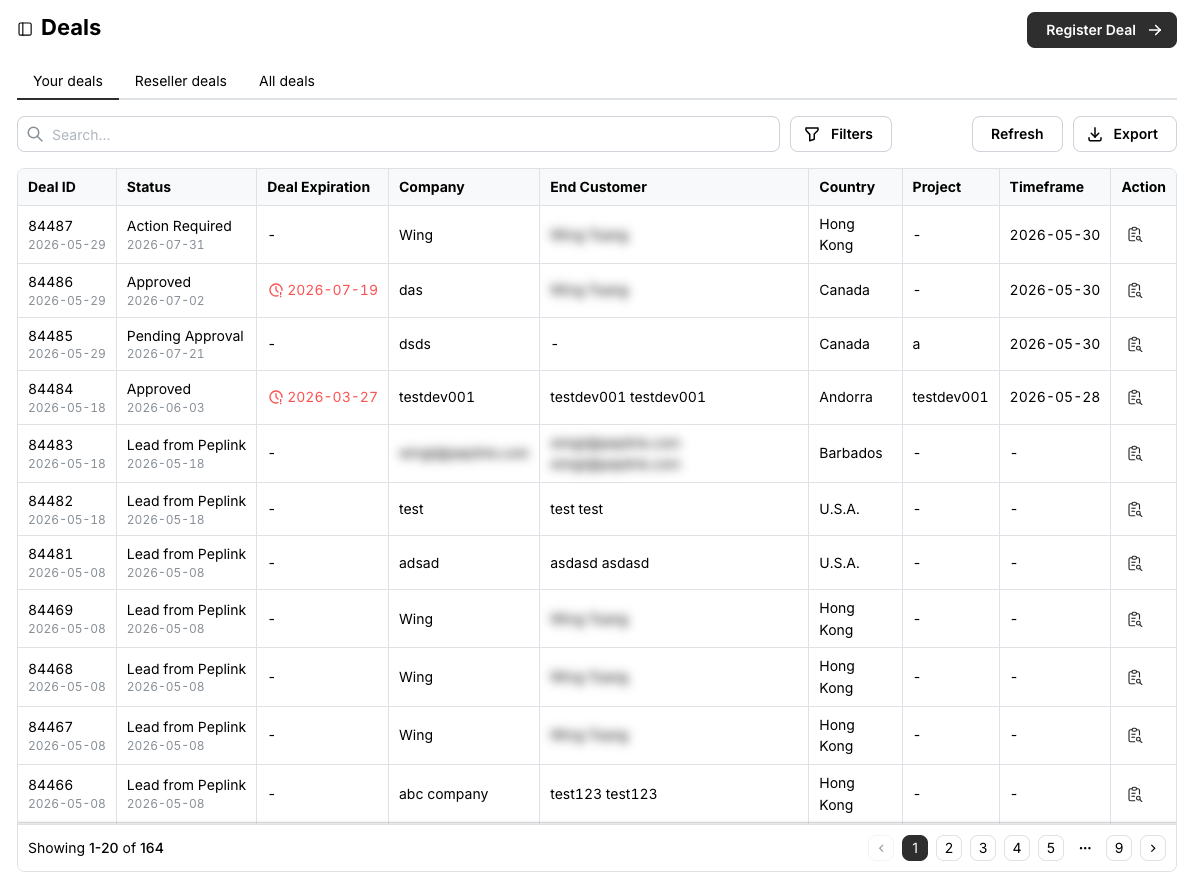
For VAD only
The Reseller deals and All deals tabs, and Change Owner on a deal, are available exclusively to VADs.
Register a deal
Fill in the end customer (full company name, not an abbreviation, plus contact details), your salesperson, the project description, the equipment proposed and the timeframe. Attach a proposal or supporting documents if you have them.
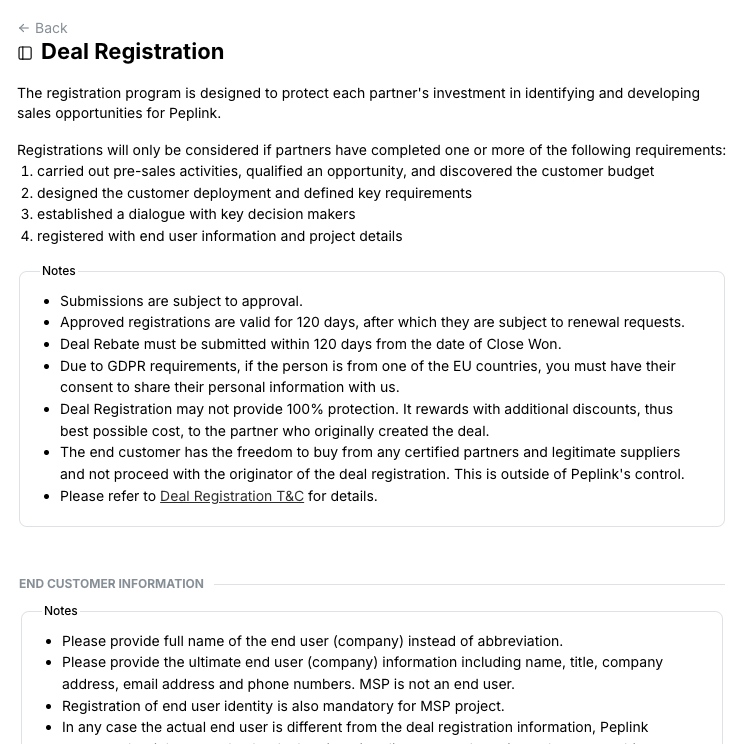
Submit. The deal appears as Pending Approval; once reviewed it becomes Approved, or Action Required if we need more from you.
What qualifies
Registrations are considered when you have done one or more of: pre-sales activities that qualified the opportunity and its budget, designing the deployment and defining requirements, establishing a dialogue with decision makers, or registering full end-user and project details. Approved registrations are valid for 120 days. See the Deal Registration T&C linked from the form.
Follow, update and close a deal
Click the details icon in the Action column. The Details tab shows the deal's status, expiration, end customer and all updates so far.
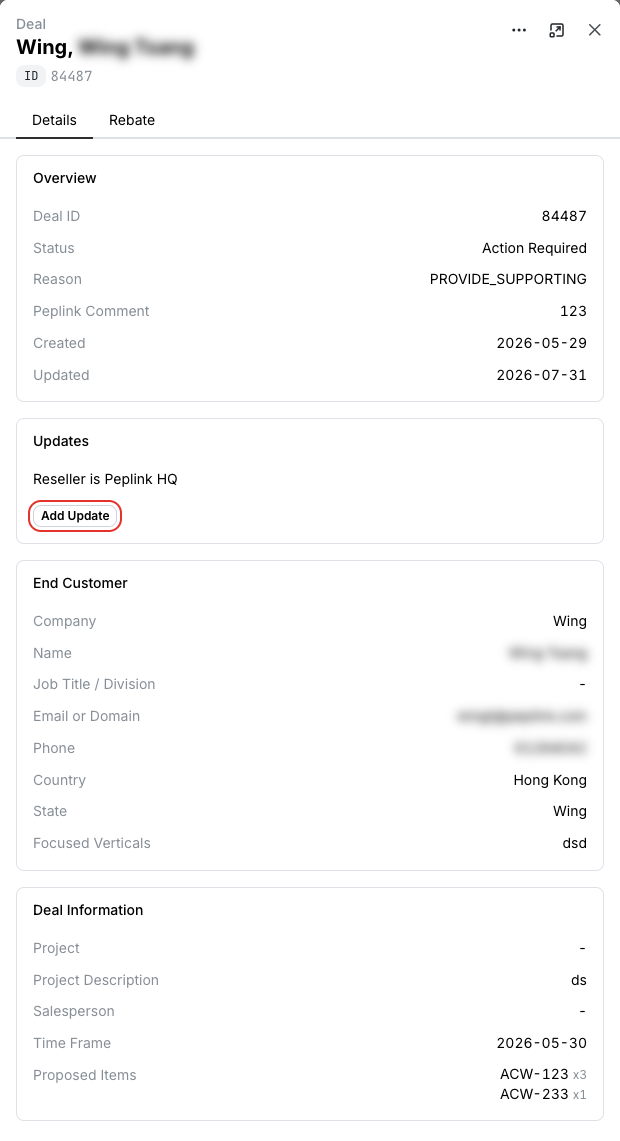
Closing is final
A deal closed as Won or Lost cannot be reopened. You can still add updates to it.
Export deals
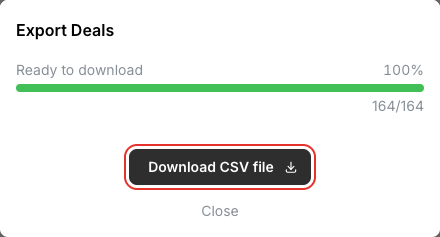
Export downloads the current tab as a CSV file — the search result, or everything when nothing is searched.
Related
- Rebate Requests — claim the rebate on a deal closed as won
- API: Search deals, Retrieve deal