

Resellers
Create and review the reseller accounts under your account.
For VAD only
The Resellers section is available exclusively to VADs — partners who manage a network of reseller accounts under their own account. VARs do not have it.
Resellers are under your partner account and are allowed to manage their own devices and sales leads. Each reseller can only view their own information, while you — the parent account — can see all information provided from them.
Create a reseller
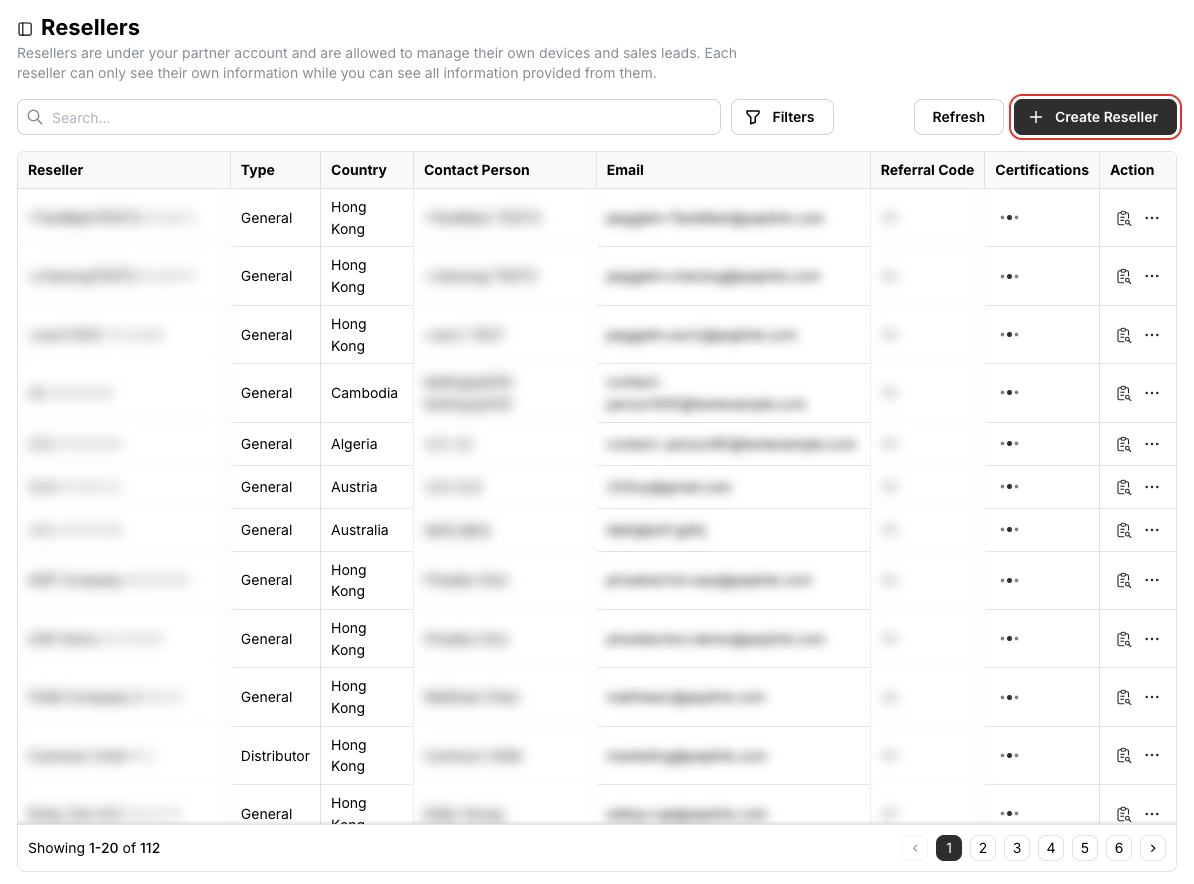
The Resellers list gives you a quick view of each reseller's name, account type, country, contact person and email. To create a reseller account:
Click Create Reseller at the top right of the list.
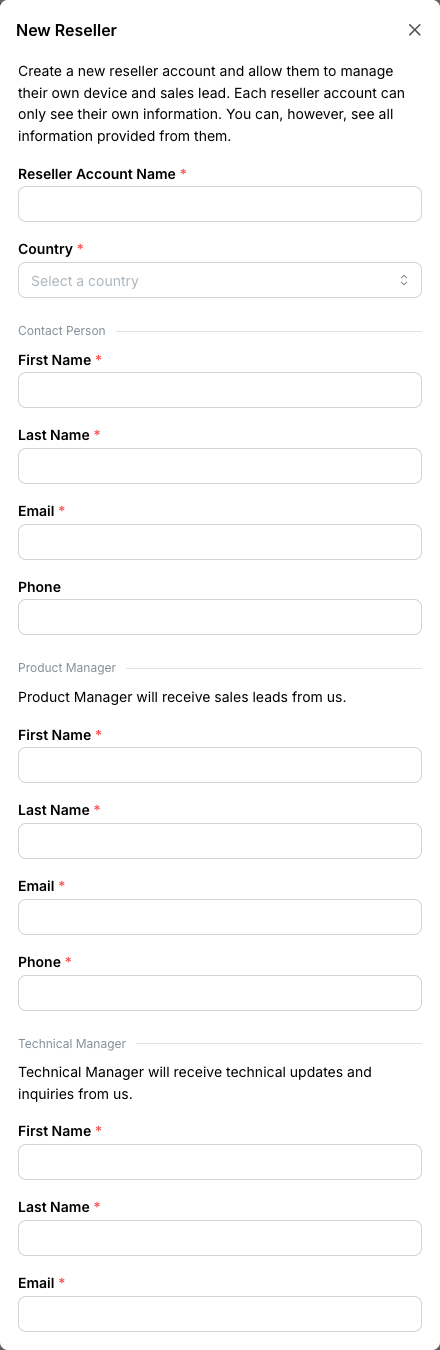
Complete all required fields, providing contact details for key personnel: the Contact Person, the Product Manager and the Technical Manager.
Review a reseller
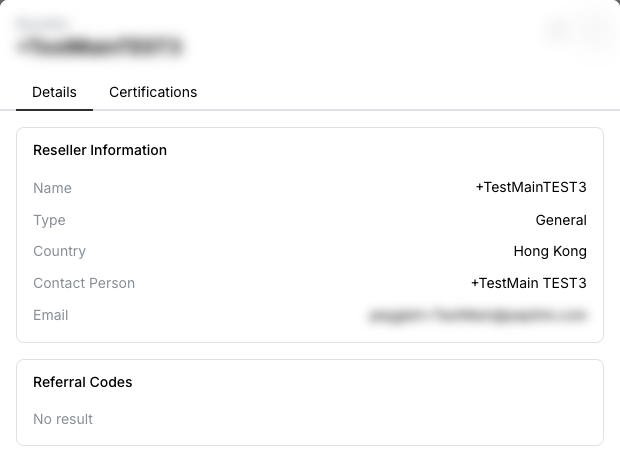
Click the details icon in the Action column to see the reseller's information, referral codes and certifications.
Auto-approve a reseller's Starlink requests
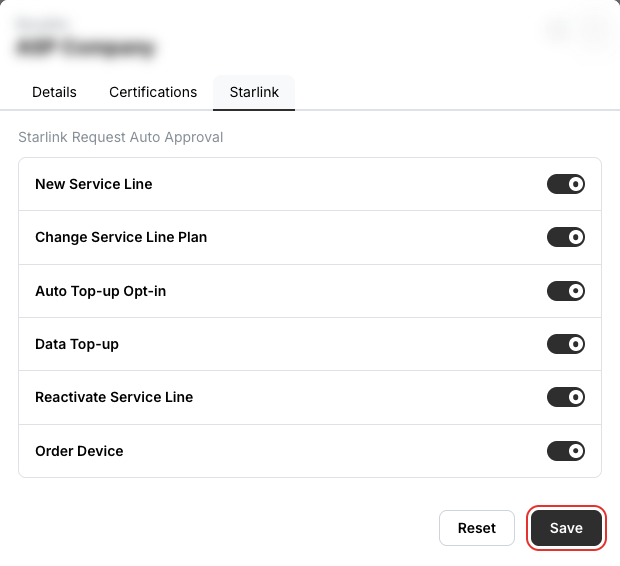
If your reseller is a Starlink ASP too, you can activate auto approval for that reseller's requests instead of approving each one under Starlink › Reseller Requests.
Turn on the request types to approve automatically — new service lines, plan changes, top-ups, reactivations, device orders — and click Save.
Related
- Members — people under your own account
- Device Management and Order History — the Reseller tabs
- API: List children partners