

NFR Coupon Requests
Request coupons for Not-For-Resale units and pick up the code once approved.
Enabled for selected partners
Available only to partners with this section enabled on their account.
NFR (Not For Resale) coupons let you order units at NFR pricing for demos, testing, certification or events. You request a coupon here; once approved, you use the coupon code on the eStore.
Request a coupon
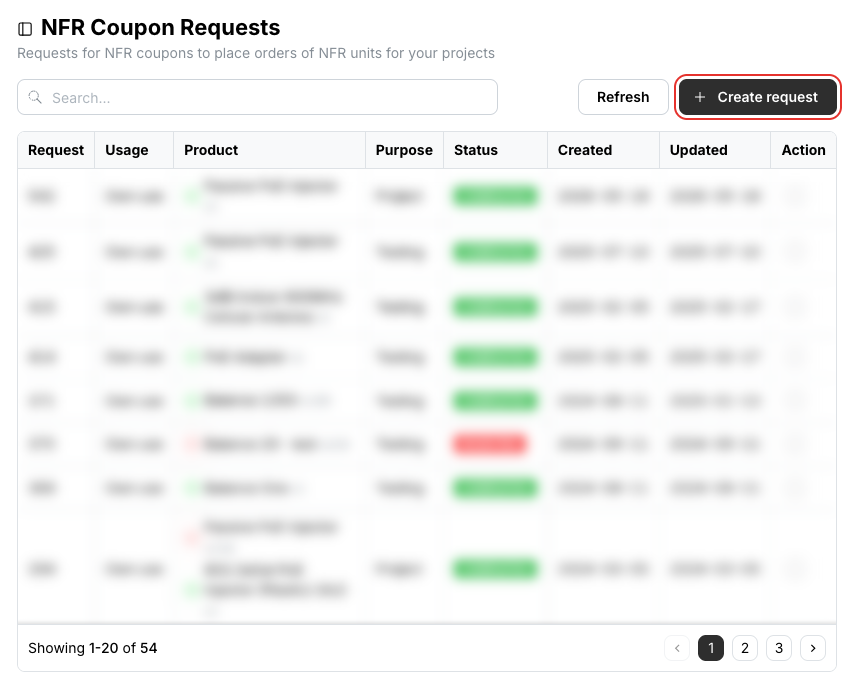
Click Create request at the top right of the list.
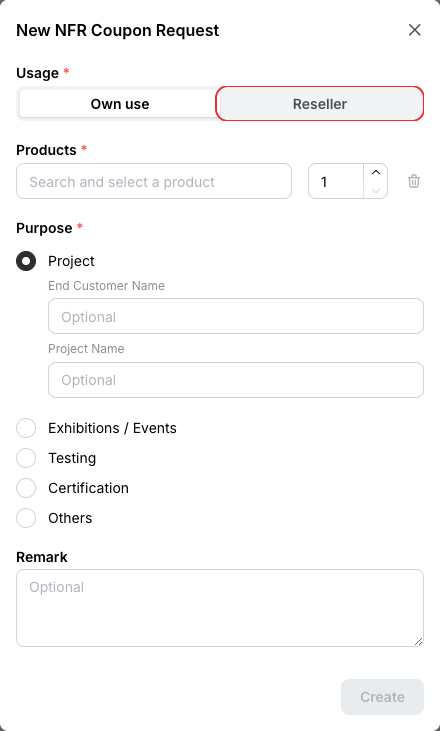
Under Usage, choose Own use, or — for VADs — Reseller and pick the reseller the units are for.
Use the coupon
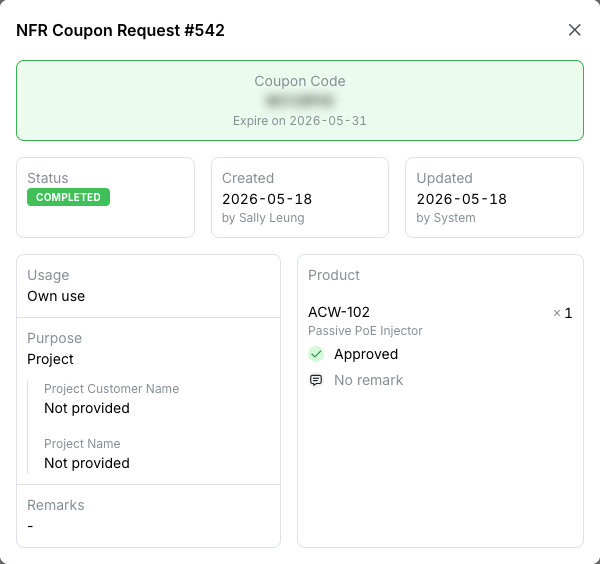
When the request is approved its status changes to Completed. Click the details icon in the Action column to see the Coupon Code and its expiry date.
NFR units
NFR units are for your own demonstration and testing, not for resale, and come with the standard one-year warranty.
Related
- Order History — the order you place with the coupon
- Lookup Devices — shows whether a device is an NFR unit