

POS Records
Import point-of-sale records from CSV to qualify for POS rebates.
Enabled for selected partners
Available only to partners with this section enabled on their account.
POS Records are your point-of-sale invoices, imported so that eligible models qualify for POS rebates.
Where to find it
In the left menu under Deal Management, or press Ctrl + K and type “POS Records”.
Import POS records
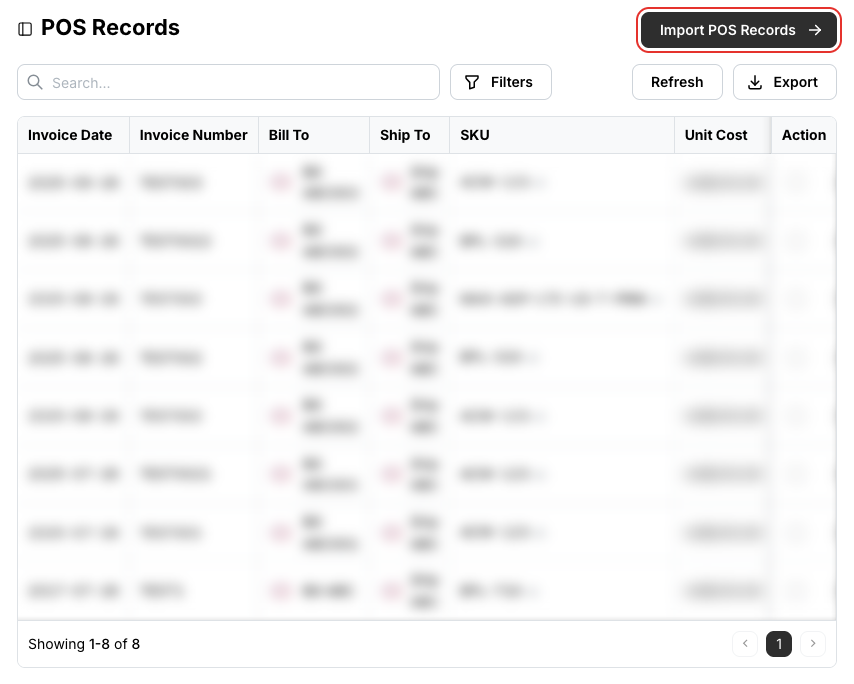
Click Import POS Records at the top right of the list.
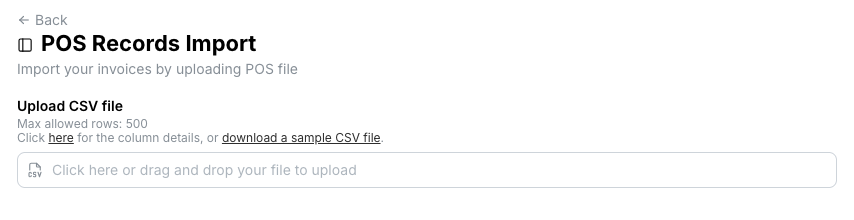
Click download a sample CSV file for the template, or here for the column details, and prepare one row per invoice line. Up to 500 rows per import.
The columns, in order:
| # | Column | Format |
|---|---|---|
| 1 | Invoice Number | text |
| 2 | Invoice Date | YYYY-MM-DD |
| 3 – 7 | Bill To, City, State, Zip, Country Code | text; state and zip may be blank |
| 8 – 12 | Ship To, City, State, Zip, Country Code | text; state and zip may be blank |
| 13 | Peplink SKU | text |
| 14 | Currency Code | text |
| 15 | List Price (to customer) | number |
| 16 | Sell Price (to customer) | number |
| 17 | Unit Cost (price purchased from Peplink) | number |
| 18 | Serial Numbers | separated by comma, semicolon or new line |
| 19 | Note | text, may be blank |
Drop the file onto the upload area, check the validated rows, and import.
Related
- Rebate Requests — deal rebates, as opposed to POS rebates